
Most teams that deploy Onyx get a working chat interface over their documents in the first week, then stop there and leave most of the actual value on the table. The platform does a lot more than a single search box once it is configured properly: scoped connectors, permission-aware retrieval, and purpose-built assistants for different teams. Here is how to actually get the full benefit out of an Onyx deployment, not just the default setup.
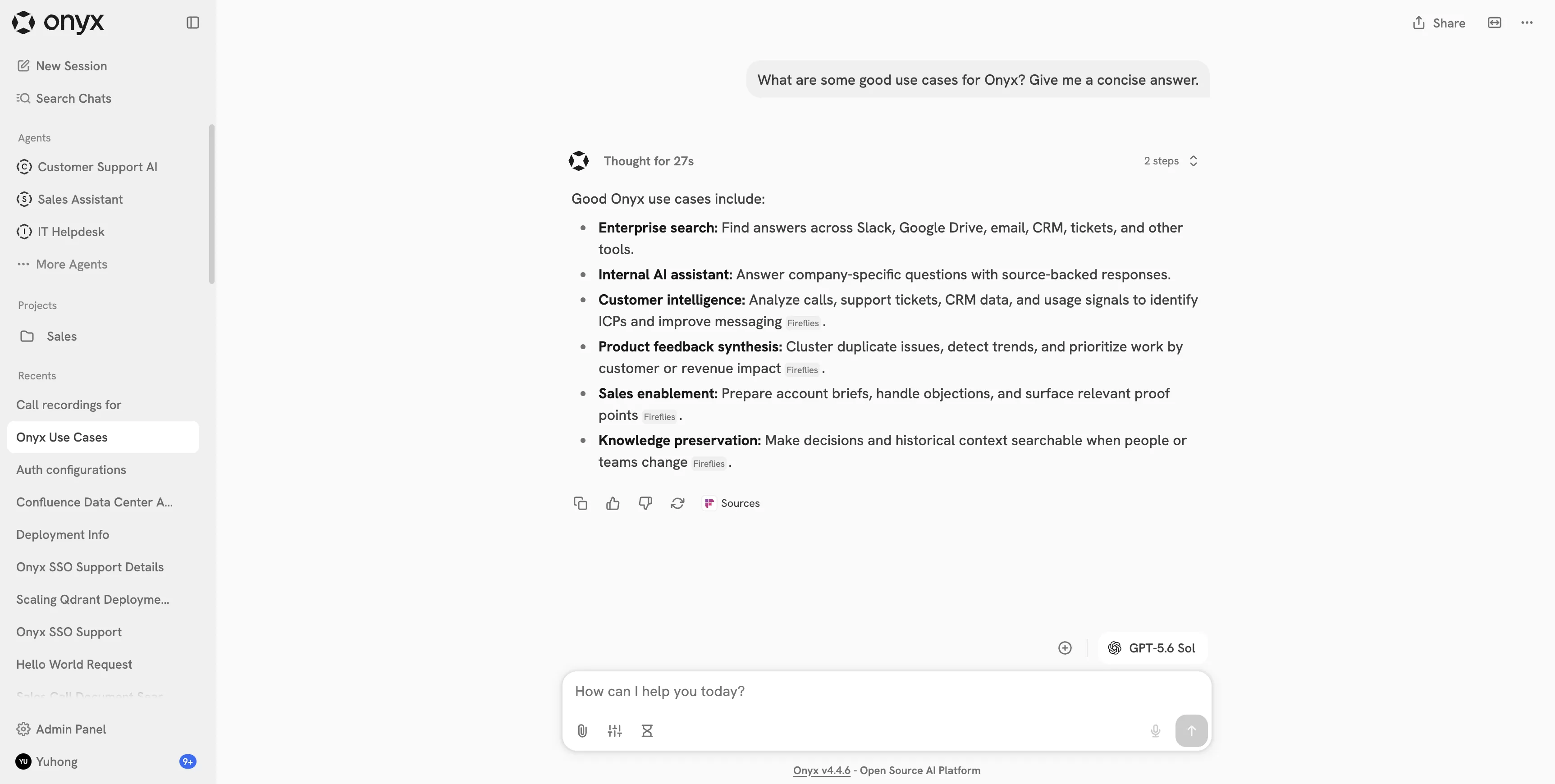
What does Onyx actually do beyond basic document search?
Onyx is an open-source, self-hostable platform that connects to your existing tools, Slack, Confluence, Google Drive, Jira, GitHub, and more, indexes the content with permission awareness intact, and serves it through a chat interface backed by retrieval-augmented generation. The basic setup gets you a working search box. The full value comes from connecting every source your teams actually use, not just one or two, and from building separate assistants scoped to specific teams and use cases instead of one generic bot for the whole company.
How many connectors should you actually set up?
More than most teams start with, and in a specific order. Start with the two or three sources that answer the most repeated questions today, usually a wiki or Confluence space and whatever ticketing or Slack history holds tribal knowledge. Add HR and policy documentation next, since policy questions are high-volume and low-risk to automate. Engineering docs, codebases, and CRM data come after, once the core knowledge base is proven out. Connecting everything on day one usually means a messy index and noisy answers before anyone trusts the system. Narrow and useful first, broad later.
How do you keep sensitive documents from leaking into answers they should not reach?
Onyx respects the permission structure of each connected source by default, so a document a user cannot open in Google Drive will not surface in their Onyx answers either. The part teams miss is auditing that this actually maps correctly after setup, especially for sources with inconsistent permission hygiene like an old wiki where half the pages were never properly restricted. Run a permission audit on your source systems before connecting them, not after, since fixing access control after an AI search tool has already indexed everything is a much bigger cleanup than fixing it first.
Should every team use the same assistant, or separate ones?
Separate ones, almost always. A single company-wide assistant tends to default to generic, hedged answers because it is trying to be useful to everyone at once. Purpose-built assistants, one scoped to IT and access questions, one to HR policy, one to engineering documentation, each with its own prompt and its own document set, give sharper and more specific answers because the assistant is not guessing which audience is asking. Onyx supports this natively through its assistant configuration. Most of the "the AI gives vague answers" complaints we see trace back to one generic assistant trying to cover every use case instead of a few focused ones.
What is the realistic maintenance load once it is live?
Lower than running the equivalent system from scratch, but not zero. Expect ongoing work in three areas: connector health (sources change their API or auth setup and need reconnecting), index freshness (new documents and deprecated ones need regular re-syncing), and assistant tuning (prompts and document scoping drift as teams change how they work). None of this requires a dedicated full-time hire for a typical mid-size deployment, but it does need someone who owns it, not an "everyone and no one" arrangement where connector failures go unnoticed for weeks.
When does self-hosting Onyx matter more than using a SaaS alternative?
When the data involved, HR records, legal documents, financial data, cannot legally or contractually leave your own infrastructure. Self-hosting also matters if you want to avoid per-seat SaaS pricing that scales awkwardly as headcount grows, or if your security team requires an on-prem or VPC deployment as a hard requirement rather than a preference. If none of those apply and speed to value matters more than infrastructure control, a hosted alternative might get you running faster. We cover this tradeoff in more depth in self-hosted vs SaaS AI search for internal knowledge.
What should you fix first if your current Onyx deployment is underperforming?
Check connector count and permission accuracy first, since a thin index with permission gaps is the most common cause of both "it does not know anything" and "it surfaced something it should not have" complaints. Check assistant scoping second, since one generic assistant trying to serve every team is the most common cause of vague, low-trust answers. Maintenance ownership is third: a system with no clear owner degrades quietly until someone notices connectors have been broken for a month.
If you want help deploying, expanding, or maintaining an Onyx instance for your company, including connector setup, permission auditing, and assistant configuration for IT, HR, and engineering separately, talk to us. We run this as an ongoing service rather than a one-time setup and walk away. For the broader context on how this fits into AI agents for internal ops generally, see our AI agent for internal ops page.